
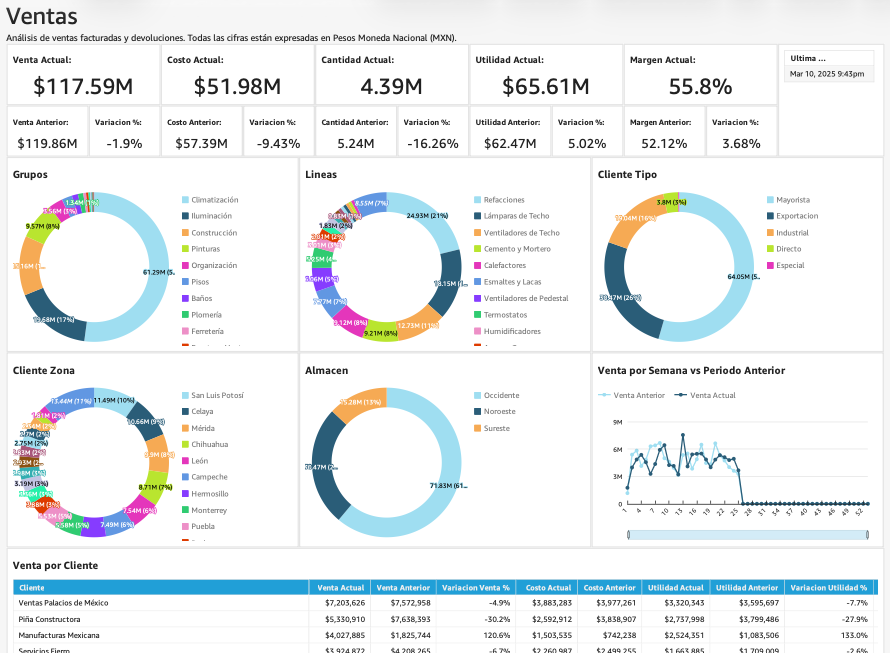
From your legacy system to Claude on QuickSight, in four steps.
Dashboard catalog
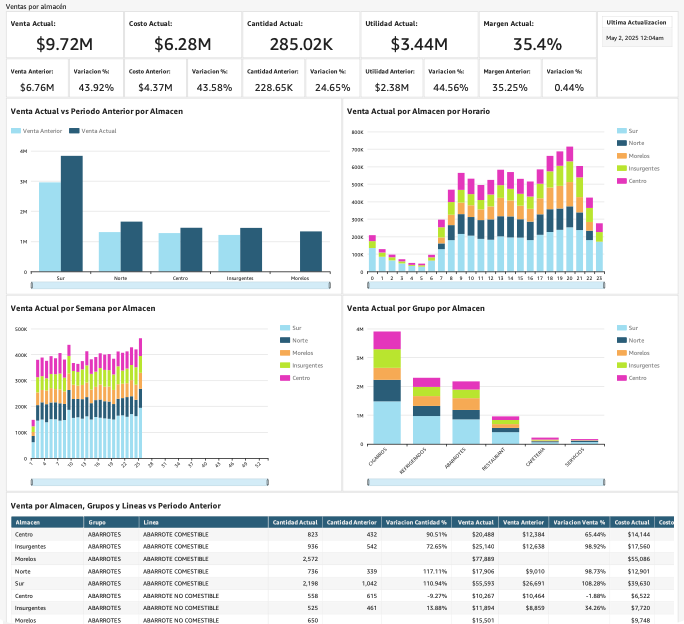
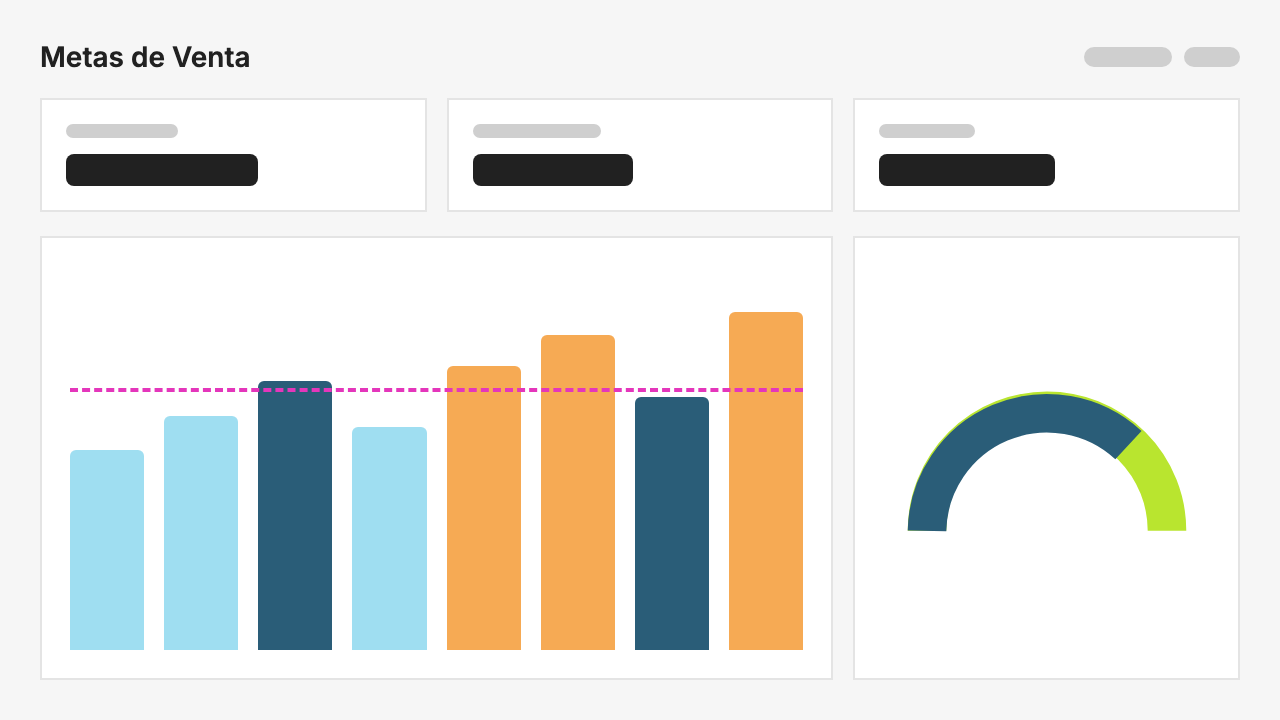
Sales vs Target
Live DemoReference demo with sample data, in Spanish; your dashboard is delivered on Amazon QuickSight.
Learn more →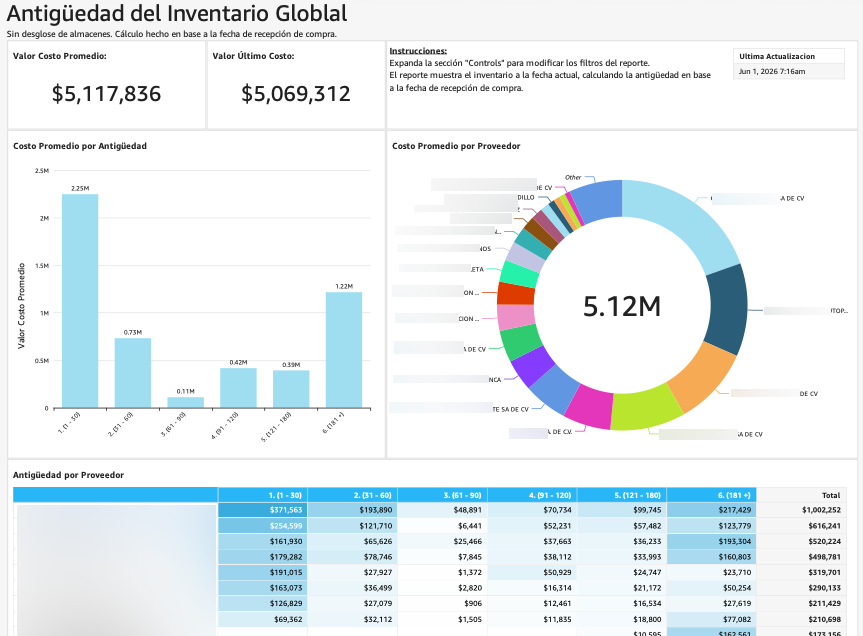
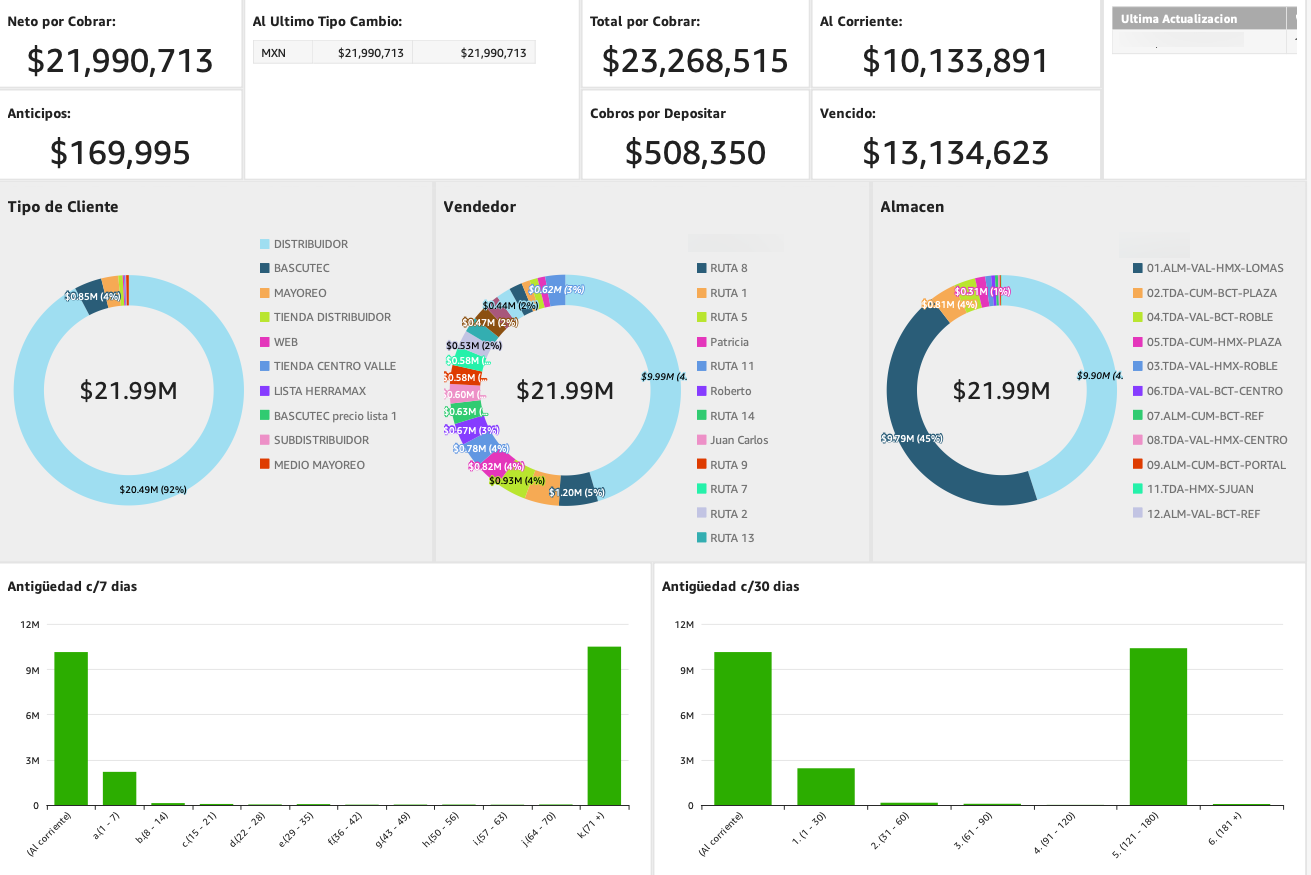
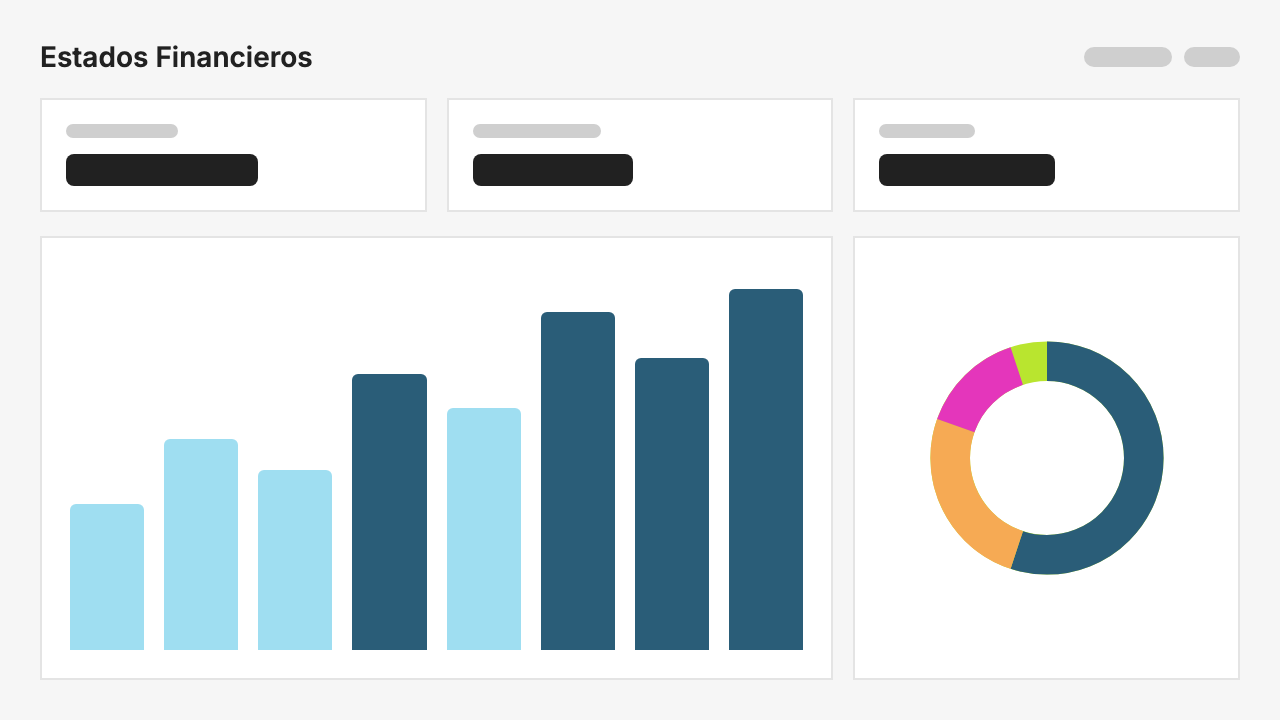
Financial Statements
Live DemoReference demo with sample data, in Spanish; your dashboard is delivered on Amazon QuickSight.
Learn more →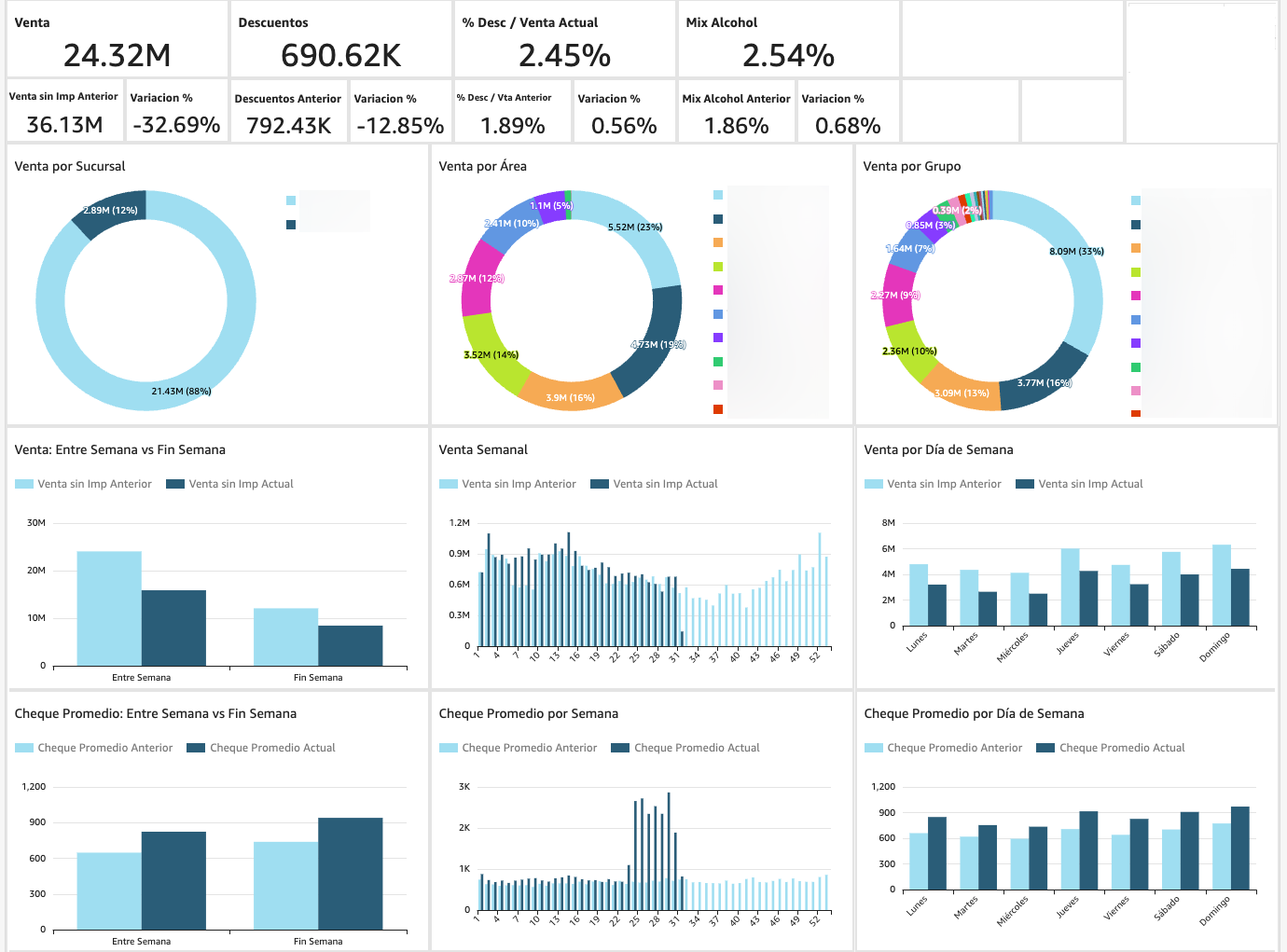
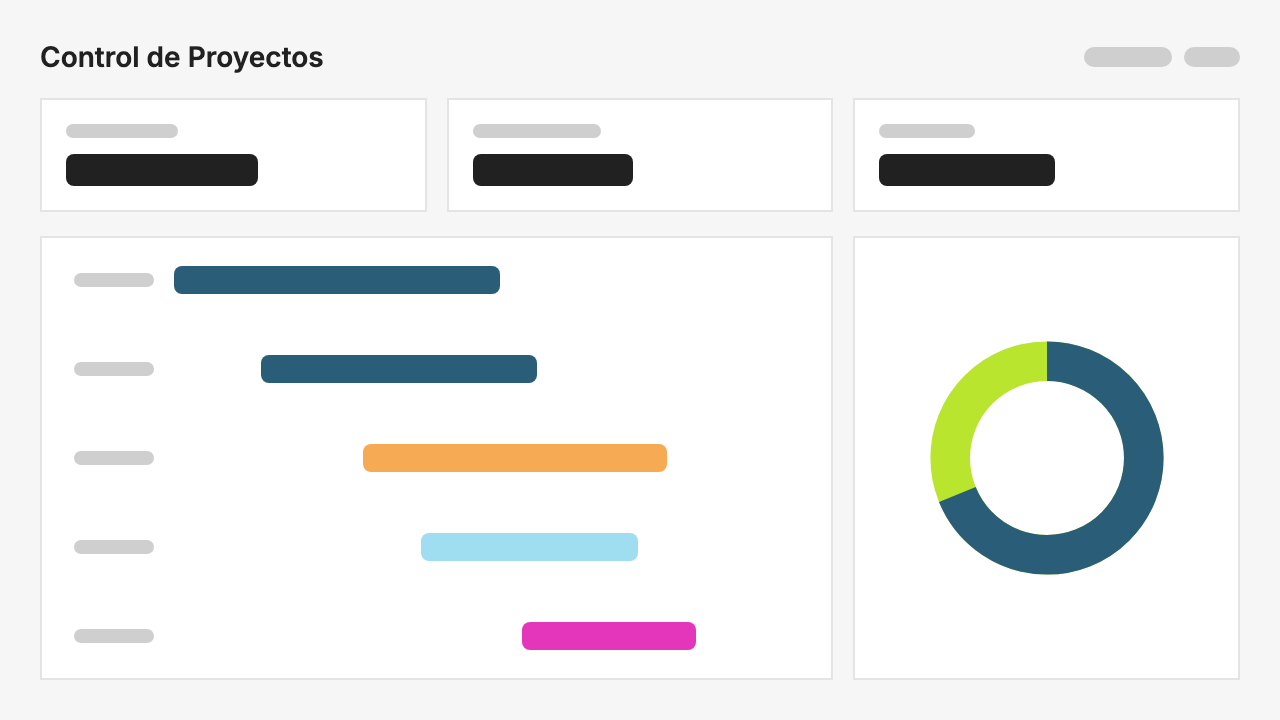
Project Accounting
Live DemoReference demo with sample data, in Spanish; your dashboard is delivered on Amazon QuickSight.
Learn more →Custom Dashboards
Custom buildTailored QuickSight implementation. Scoped to your operation.
Enterprise BI, on infrastructure you own.
Enterprise security.
Row-level security isolates what each user sees (by store, rep or region), no need to duplicate dashboards.
SPICE engine.
Super fast queries with in-memory data. Your CFO never waits for a report to load.
Lives in your AWS.
The dashboards are yours. Your IT team can edit them without us.
An AI agent that works on top of your QuickSight dashboards
We connect Claude, by Anthropic, to your Amazon QuickSight dashboards. Not to answer one-off questions: to take on complete analytics tasks that it runs on its own and that end in concrete recommendations.
Can I connect Claude to my Amazon QuickSight dashboards?
Yes. The BI Agent is a Claude Skill plus a connector installed on your computer, Mac or Windows. Using your own QuickSight user, Claude opens your dashboards, moves across sheets and visuals, changes filters, extracts the data behind each visual and downloads CSV and PDF files, the way an analyst would.
How is this different from a chat that answers questions about my data?
In a chat, you ask and the AI answers. With the BI Agent you assign a complete task with its methodology: which dashboards to use, which filters and periods to apply, which business rules to follow and what deliverable you expect. Claude runs it on its own for several minutes (or more, depending on the complexity of the task): it opens the dashboards, downloads the data, cross-references it, runs the analysis in code and delivers concrete recommendations, ready for a decision.
What kind of tasks can I assign?
Tasks that take an analyst days today. For example: explaining why a region's margin dropped and which product lines are dragging it down; projecting the next weeks of cash flow from accounts receivable; preparing the monthly sales report by rep and customer with its red flags. An auto parts distributor in Mexico, after connecting Claude to QuickSight, is restructuring and improving its replenishment and purchase-suggestion processes.
Does it work with any QuickSight dashboard?
Yes, with any well-built dashboard: the only requirement is that visual titles are not repeated. For each dashboard we generate a map that tells Claude what lives on every sheet, visual and filter. The tool that builds those maps also flags inconsistencies in the dashboard, and we can share it with your team.
Why connect Claude to QuickSight instead of directly to the database?
Three reasons. Your dashboard data is already consistent with how the business runs: Claude doesn't have to guess the schema or translate questions into SQL. QuickSight answers filter changes almost instantly thanks to SPICE. And security is already solved: Claude only sees what your QuickSight user can see, with its permissions and row-level security.
Can Claude make up numbers?
The BI Agent Skill is designed not to. Every figure it reports comes straight from the dashboard, with the filters that were requested; if a number doesn't exist, it says so instead of estimating it. Before delivering a table it runs a sanity check: it compares the sum of the rows against the dashboard's own total and, if they don't match, it reads again instead of delivering inconsistent data. In the analysis it separates three levels: facts (what the data says), observations (patterns visible in the data) and hypotheses (possible causes or projections). Hypotheses are labeled as such, together with the query that would confirm them, and when a recommendation depends on a hypothesis, it stays conditional until the hypothesis is validated.
What about the security of my data?
Your data stays in your AWS account. The connector runs on your computer with your QuickSight user, with no Factor BI servers in between. What Claude reads for the analysis is processed in your Claude session, under your Anthropic account.
What do I need to use it?
Your dashboards on Amazon QuickSight, a Claude account with Cowork on a Team or Enterprise plan (Anthropic does not use data from these plans to train its models), one QuickSight Reader user per computer and the connector, which we install with you.